3. How to Set Up a Room Rate
If you have already set the Rack Rate while configuring the Room Type and do not require additional pricing options, you can skip this chapter and refer directly to Chapter 4.
If you have not set the Rack Rate, or if you wish to set more varied pricing for your room types to meet different needs or channels, please follow these simple steps:
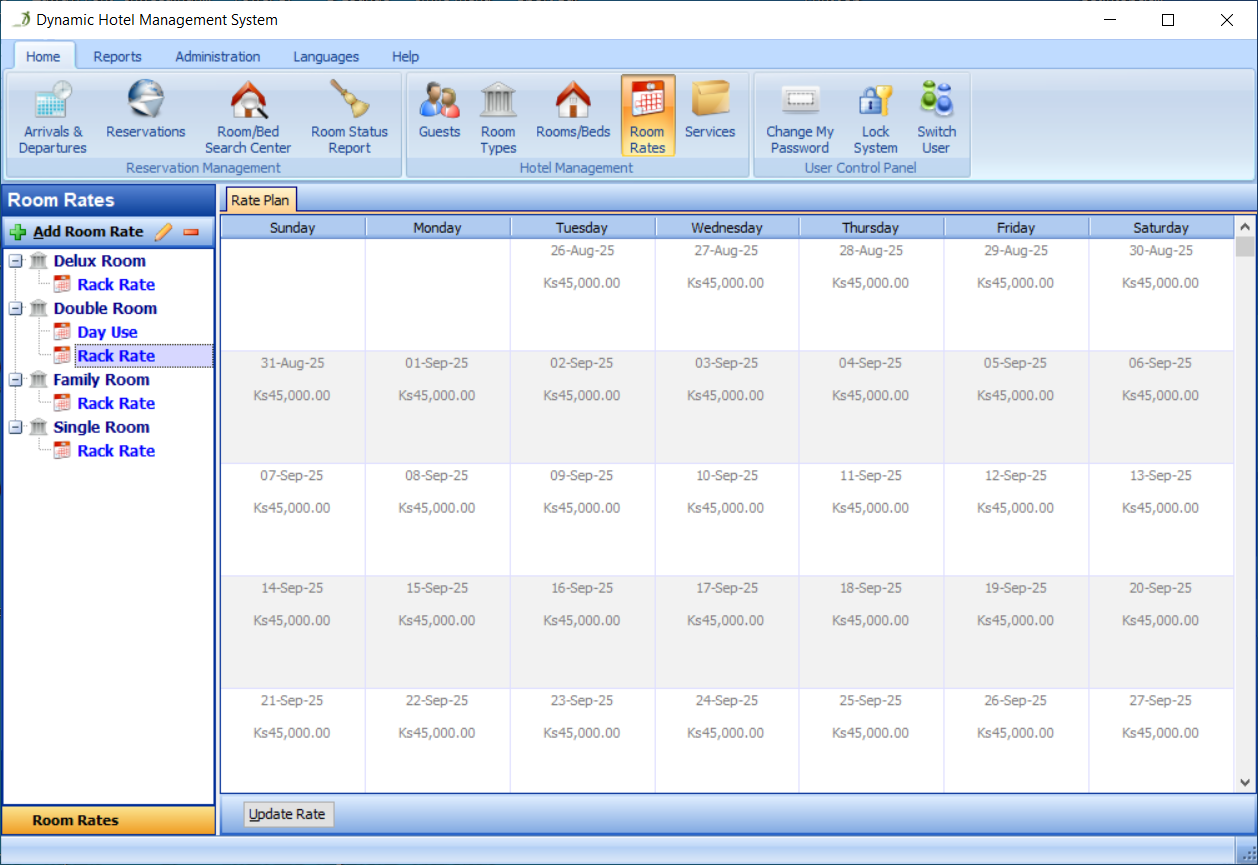
Go to the Room Rates section, as shown in Figure 14:
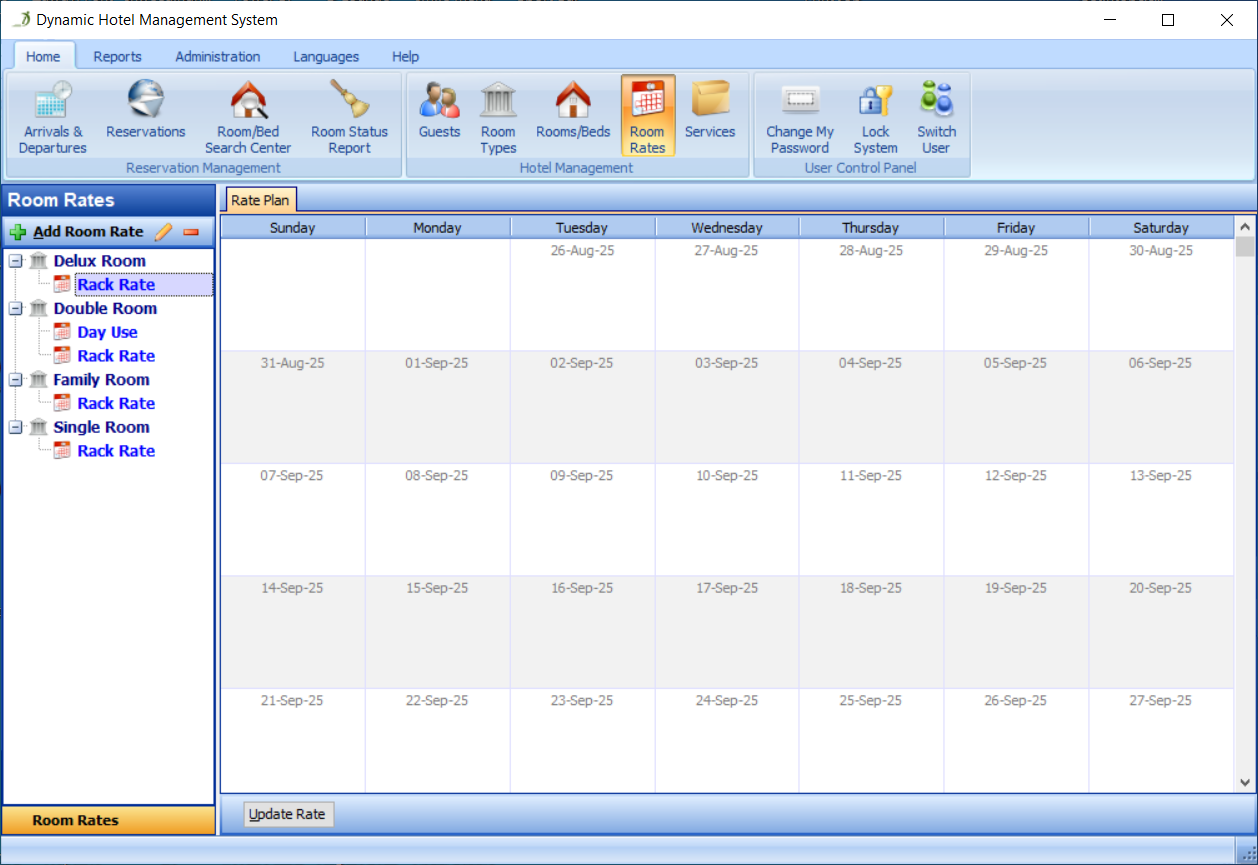
Right-Click the room type 'Single Room', then select Add Room Rate Description, as shown in Figure 15:
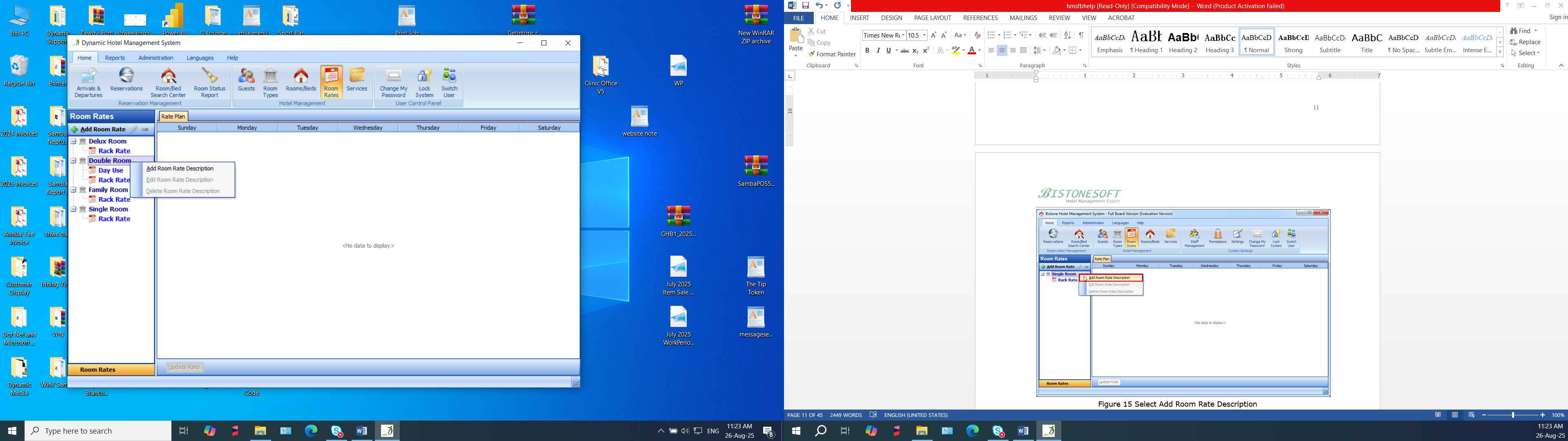
Fill in all the fields in the Add Room Rate dialog, as shown in Figure 16:
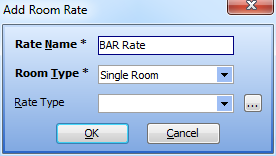
Click the OK button in the Add Room Rate dialog, then select the room rate 'BAR Rate', as shown in Figure 17:
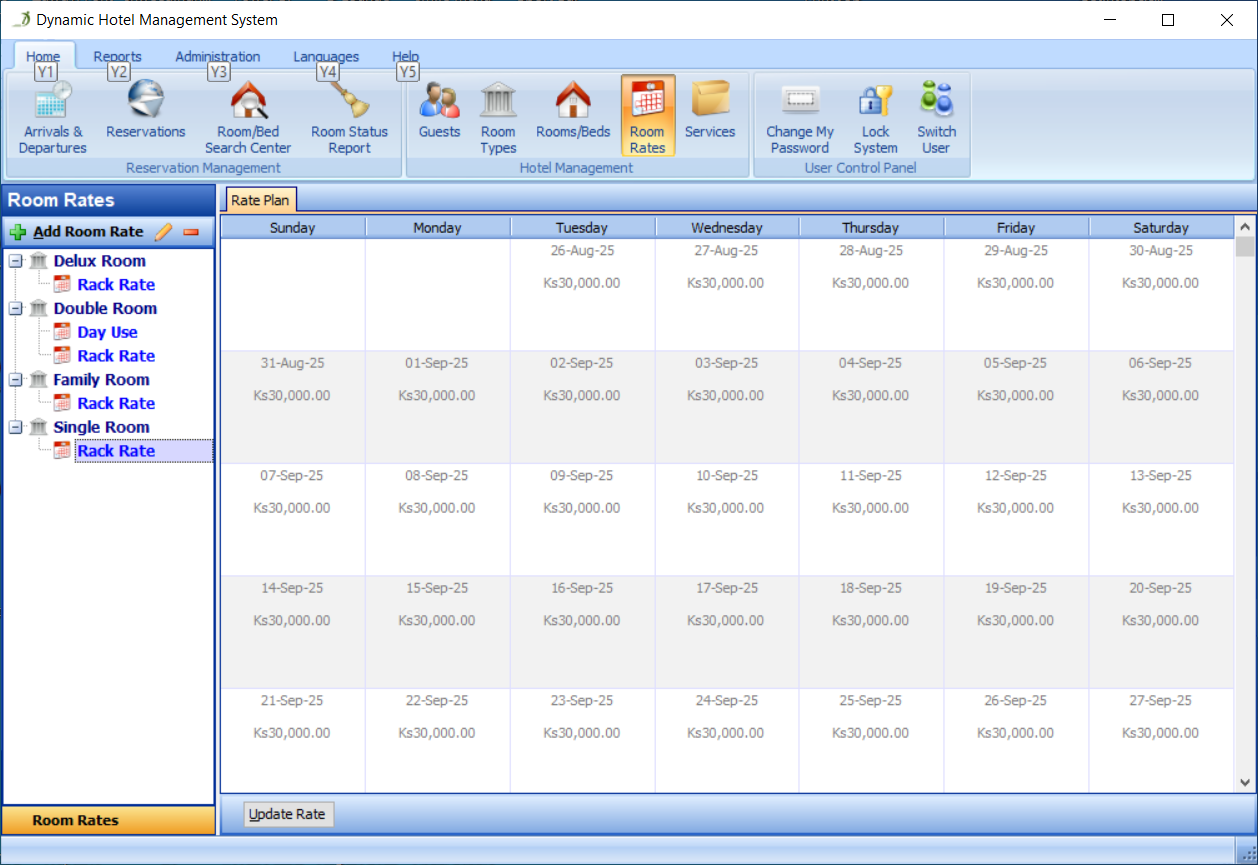
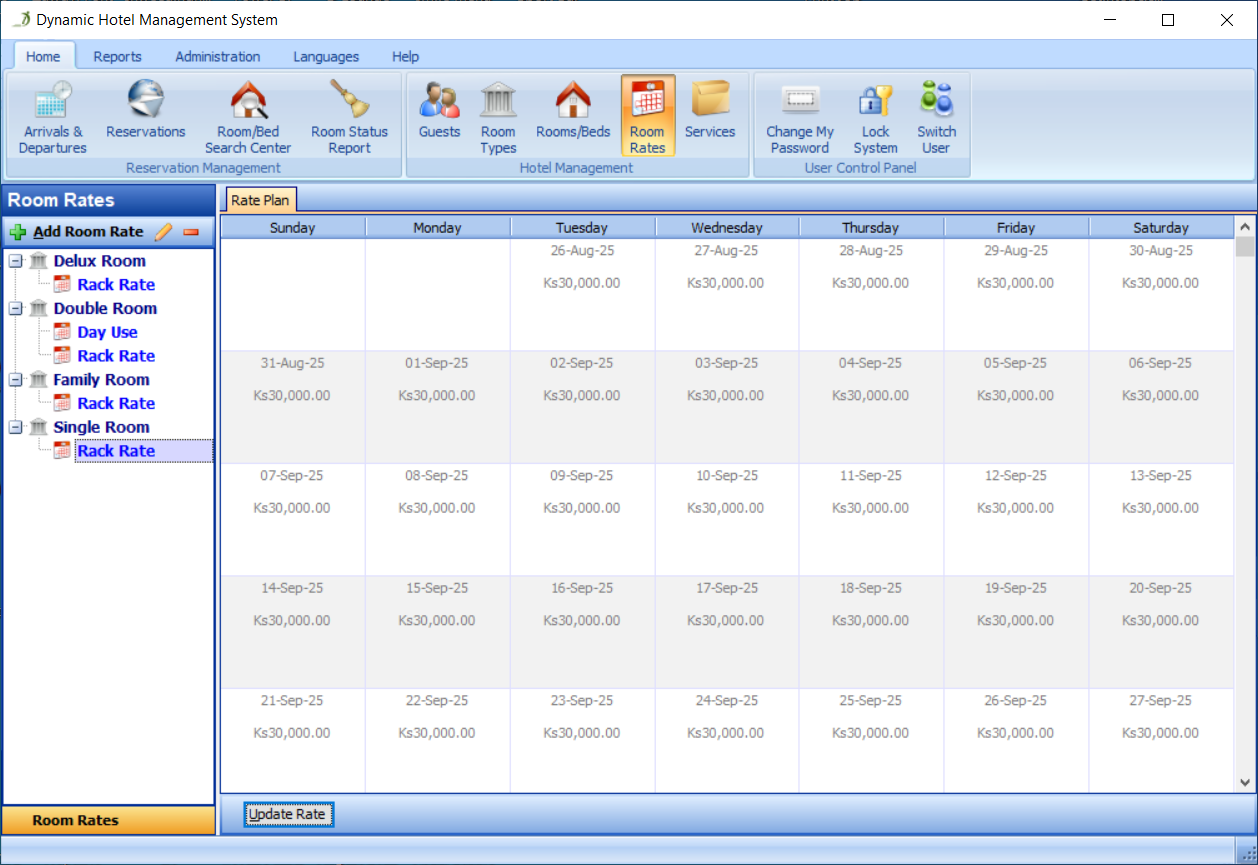
Click the Update Rate button in the Rate Plan panel, as shown in Figure 18:
Fill in all the fields in the Edit Rate Plan dialog, as shown in Figure 19:
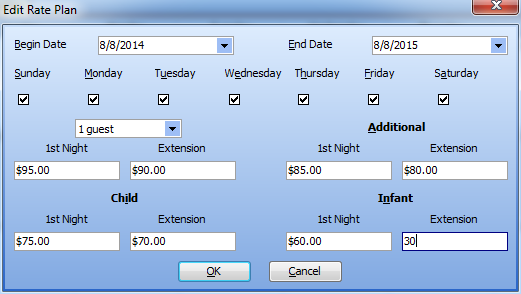
The rate for the first night for 1 adult guest is $95, and the rate for each extension night is $90, for each additional adult, the rate for the first night is $85, and the rate for each extension night is $80, similarly, set the first and extension night rates for each child and infant for every Sunday, Monday, Tuesday, Wednesday, Thursday, Friday and Saturday from the Begin Date to the End Date.
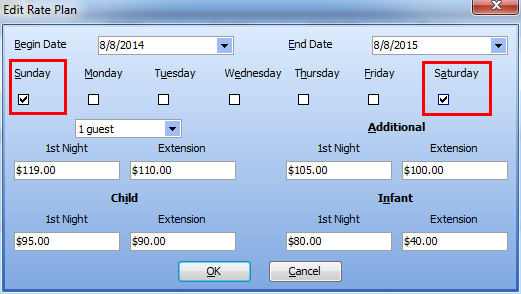
Of course, you can also set the room rate for each weekend to be $119 and $110. Please set it as shown in Figure 20:
As you can see, all the rates for this BAR rate are displayed in the Rate Plan panel, as shown in Figure 21: