5. How to Manage Your Guests
When a guest wants to reserve a room or bed at your hotel, you can collect his/her information and then follow these simple steps to manage them:
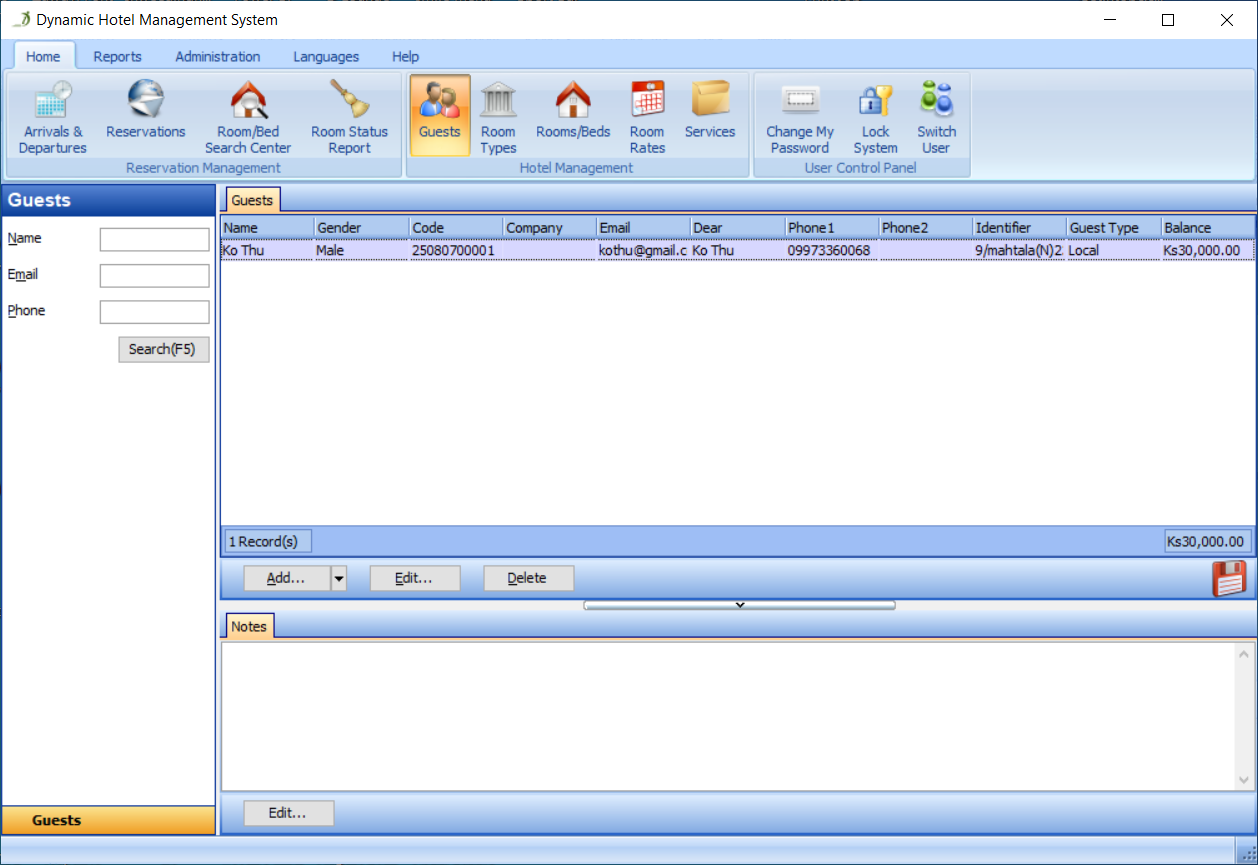
Step 1) Go to the Guests Section
Go to the Guests section, as shown in Figure 27:
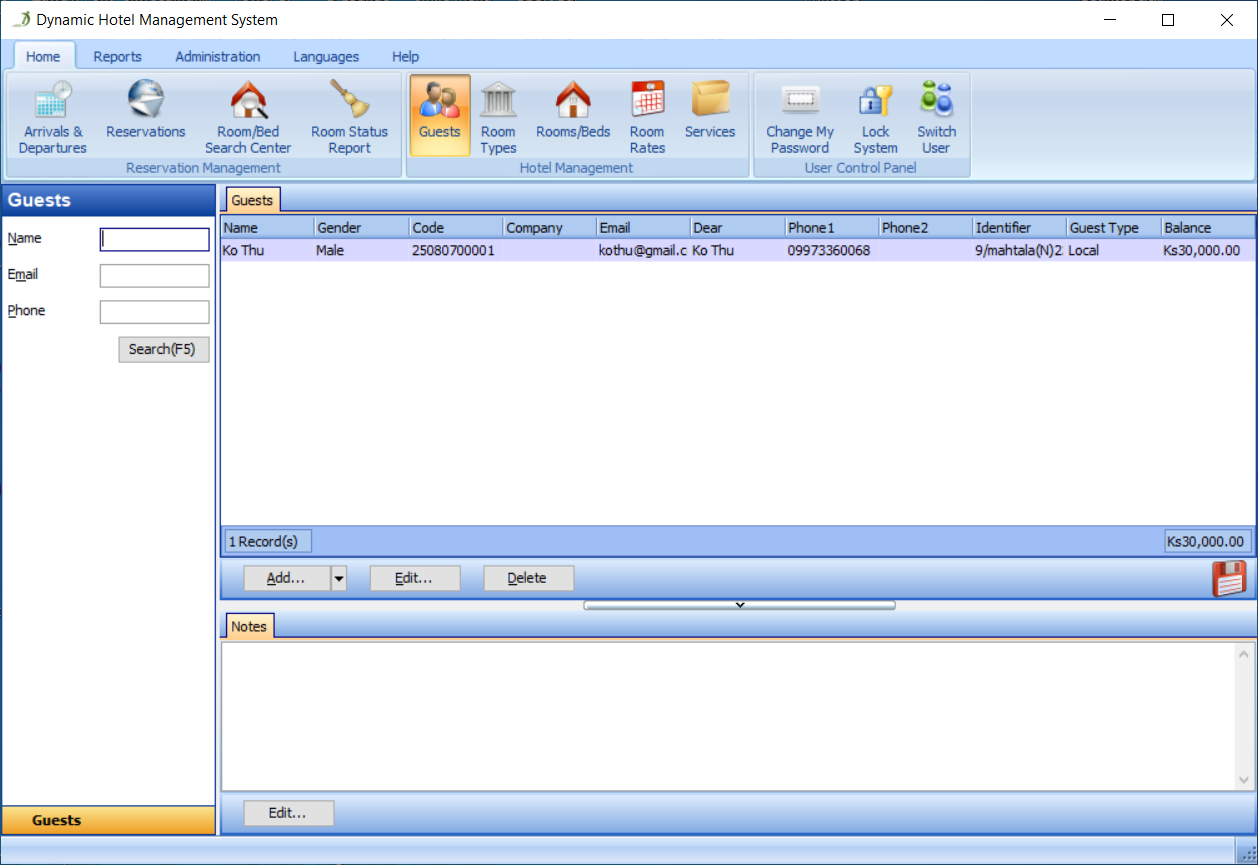
Step 2) Click the Add Button
Click the Add button in the Guests panel, as shown in Figure 28:
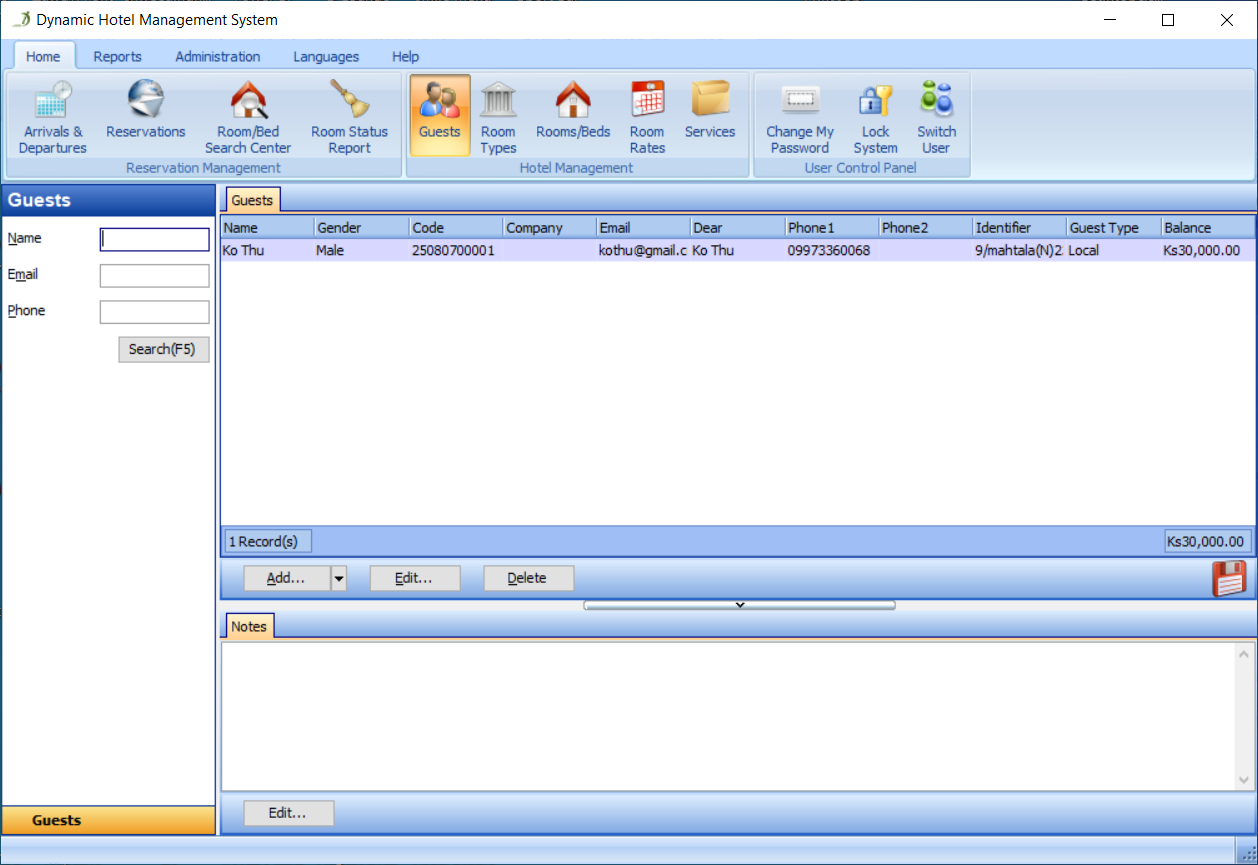
Step 3) Enter All Fields
Fill in all the required fields, as shown in Figure 29:
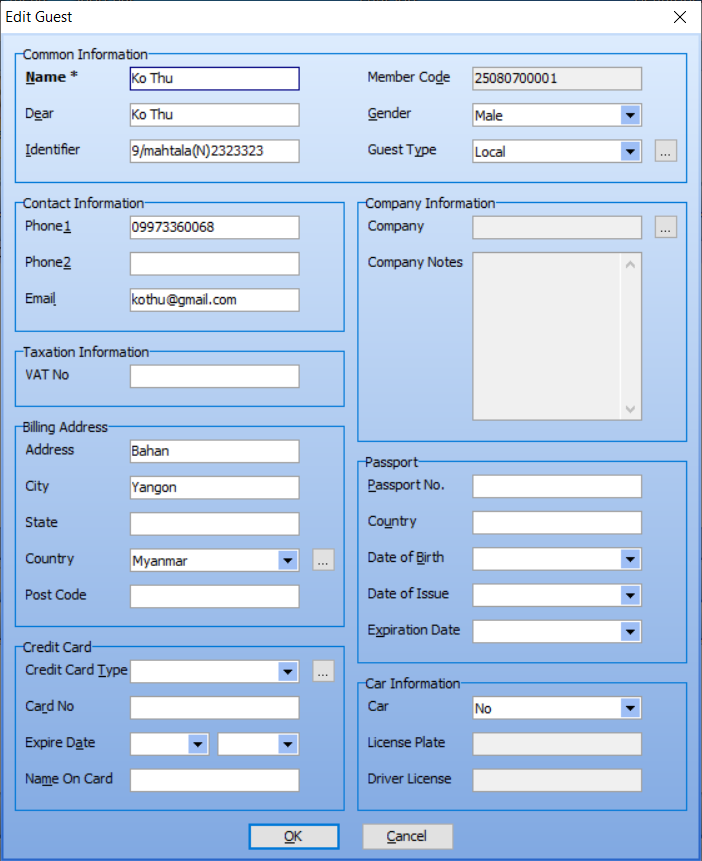
Then, click the OK button in the Add Guest dialog, you can now see all the guests of your hotel in the Guests panel, as shown in Figure 30: