7. How to Sell Your Services
If your hotel offers services such as swimming pools, restaurants and so on, you can add these services to the system and then sell them. In fact, you can also add some physical items that you want to sell to the system, such as bottled water, beer, etc. Please follow these simple steps to sell your services:
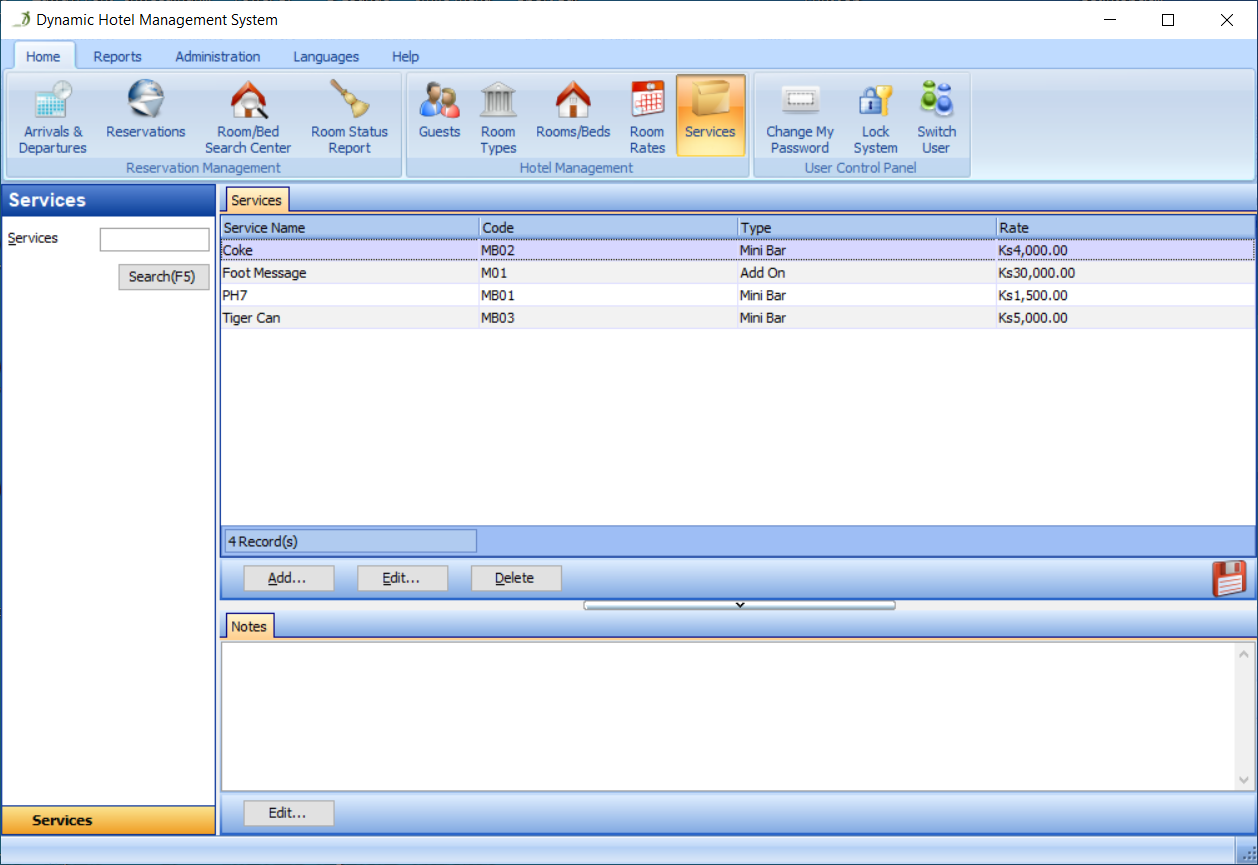
Go to the Services section, as shown in Figure 42:
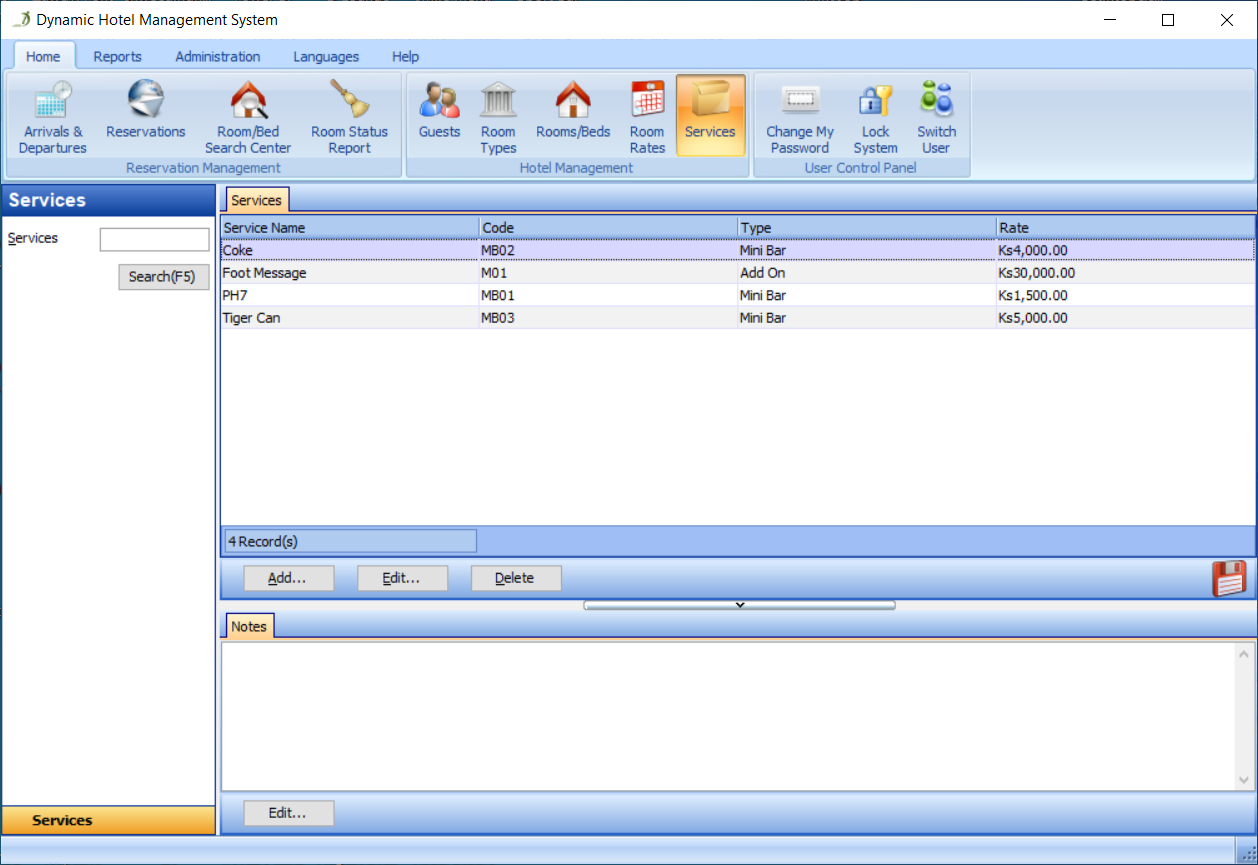
Click the Add button in the Services panel, as shown in Figure 43:
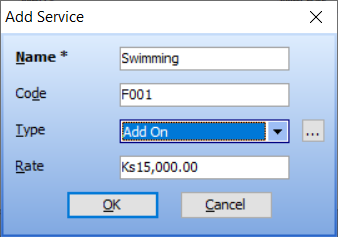
Fill in all the fields in the Add Service dialog, as shown in Figure 44:
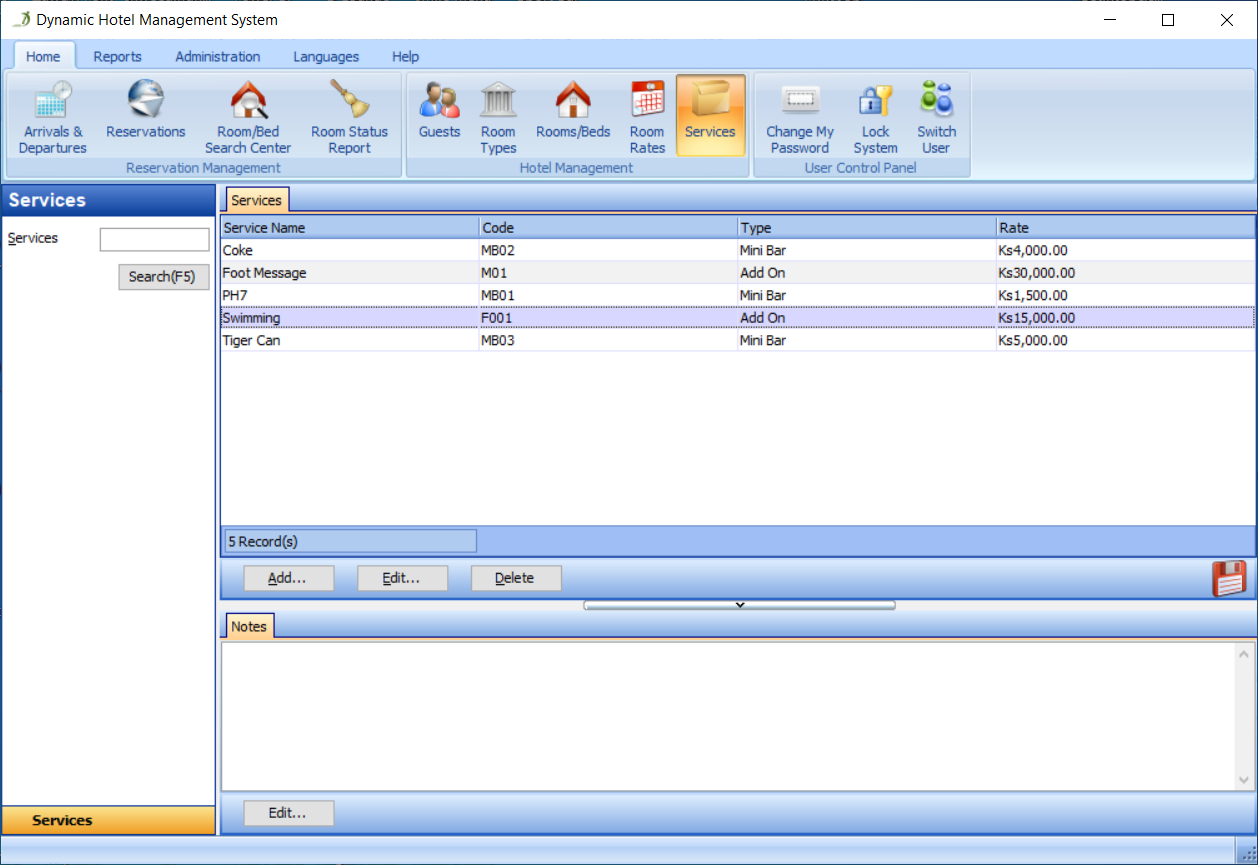
Then, click the OK button in the Add Service dialog. The service called 'Swimming' has been added to the system, as shown in Figure 45:
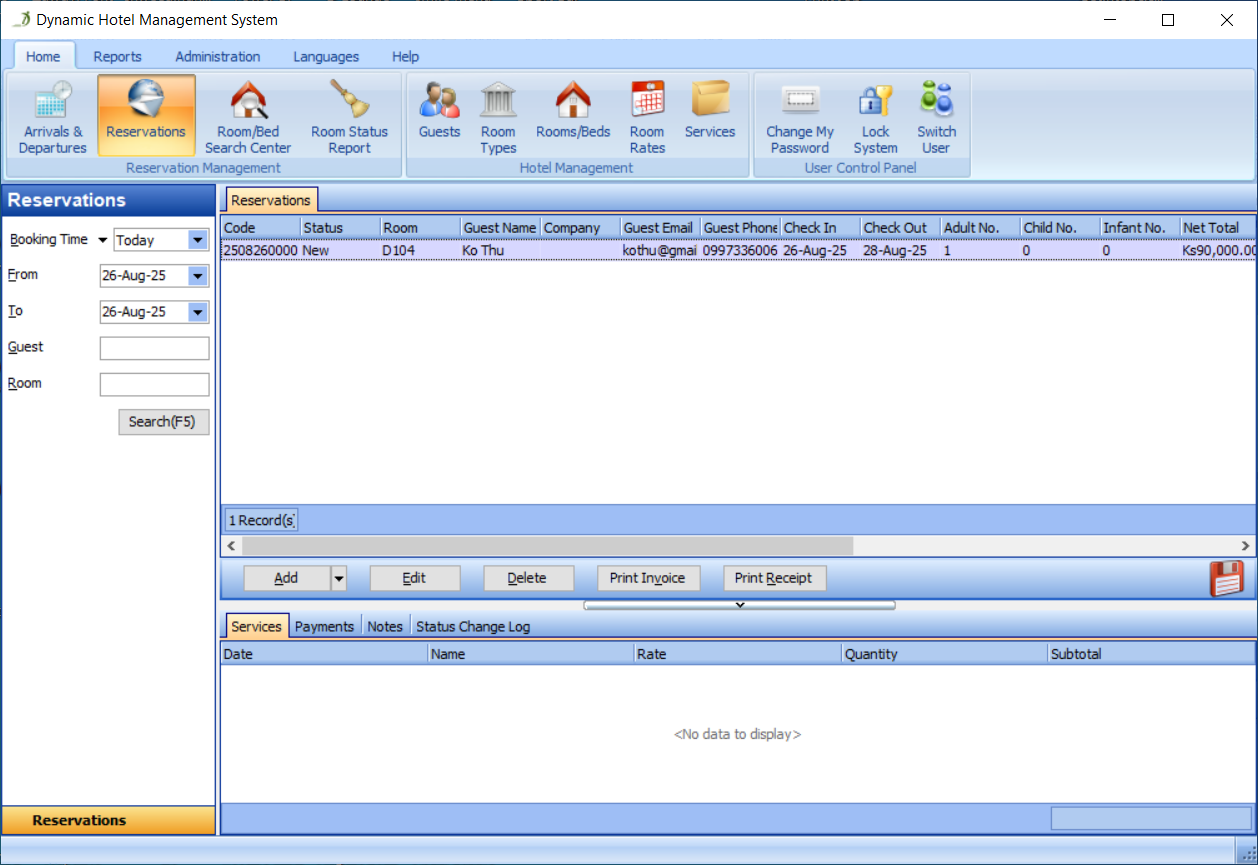
Go to the Reservations section and select a reservation, as shown in Figure 46:
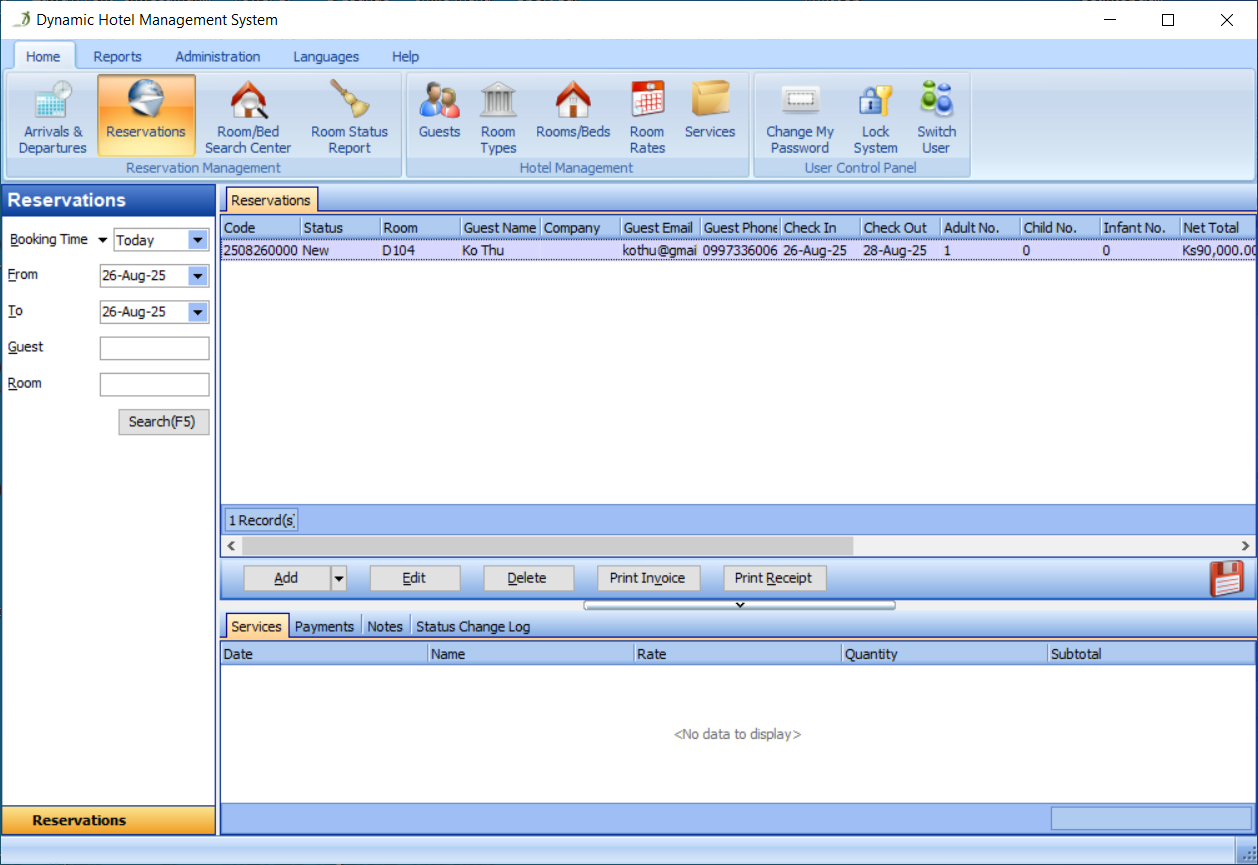
Click the Edit button in the Reservations panel, as shown in Figure 47:
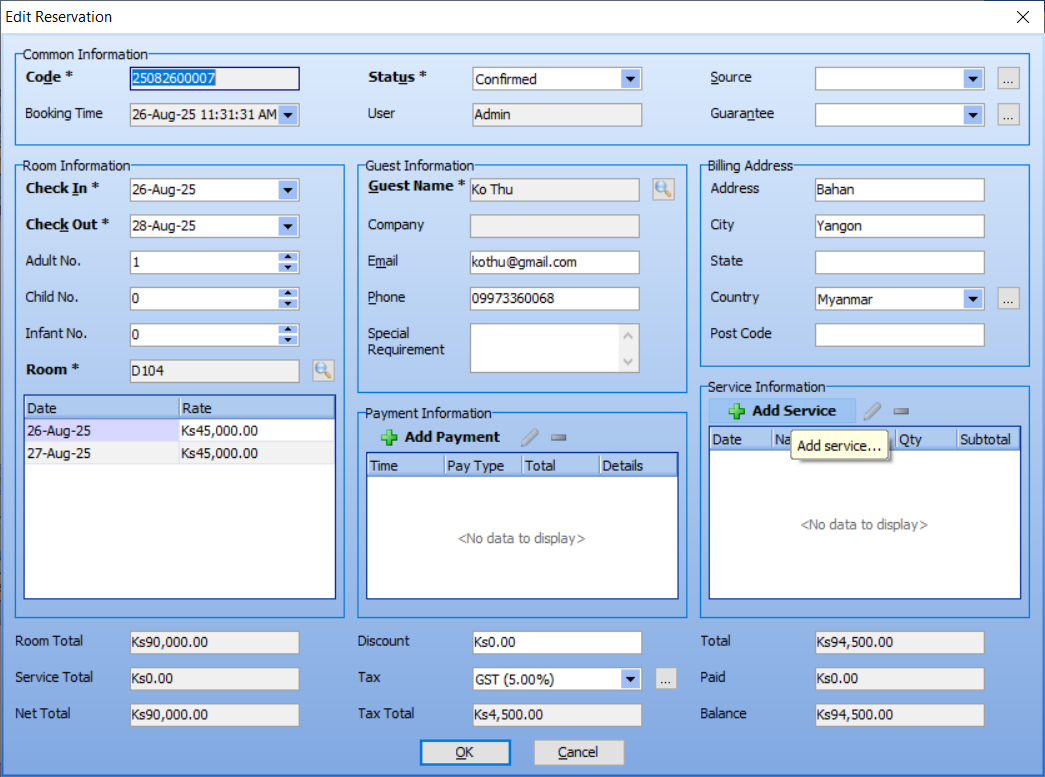
Click the Add button in the Service Information panel, as shown in Figure 48:
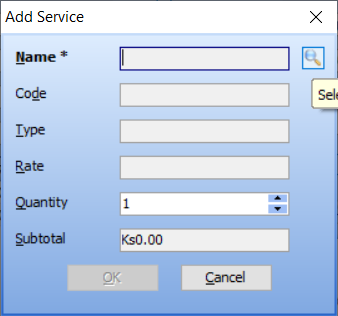
Click the button next to the Name Edit Box in the Add Service dialog, as shown in Figure 49:
Select a service in the Select a Service dialog, as shown in Figure 50:
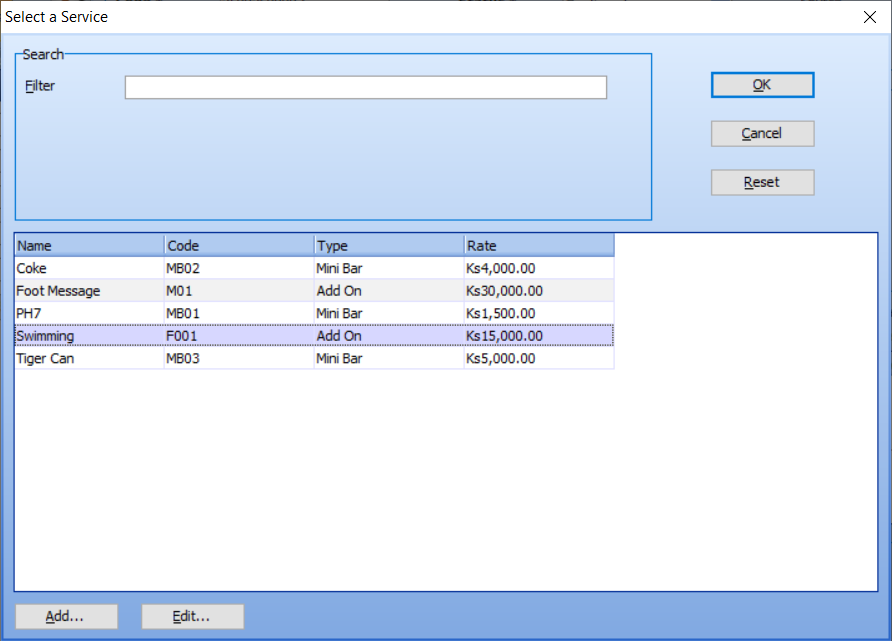
OK, the service information has been automatically filled into the Add Service dialog, as shown in Figure 51:
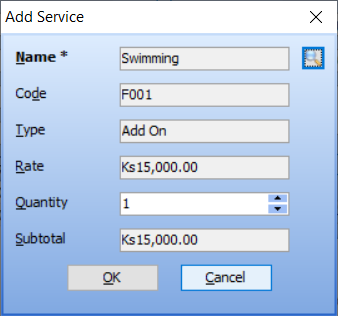
You can modify its rate or quantity. After that, please click the OK button. You will then see that the rate of this service has been added into the service total and the total amount, as shown in Figure 52:
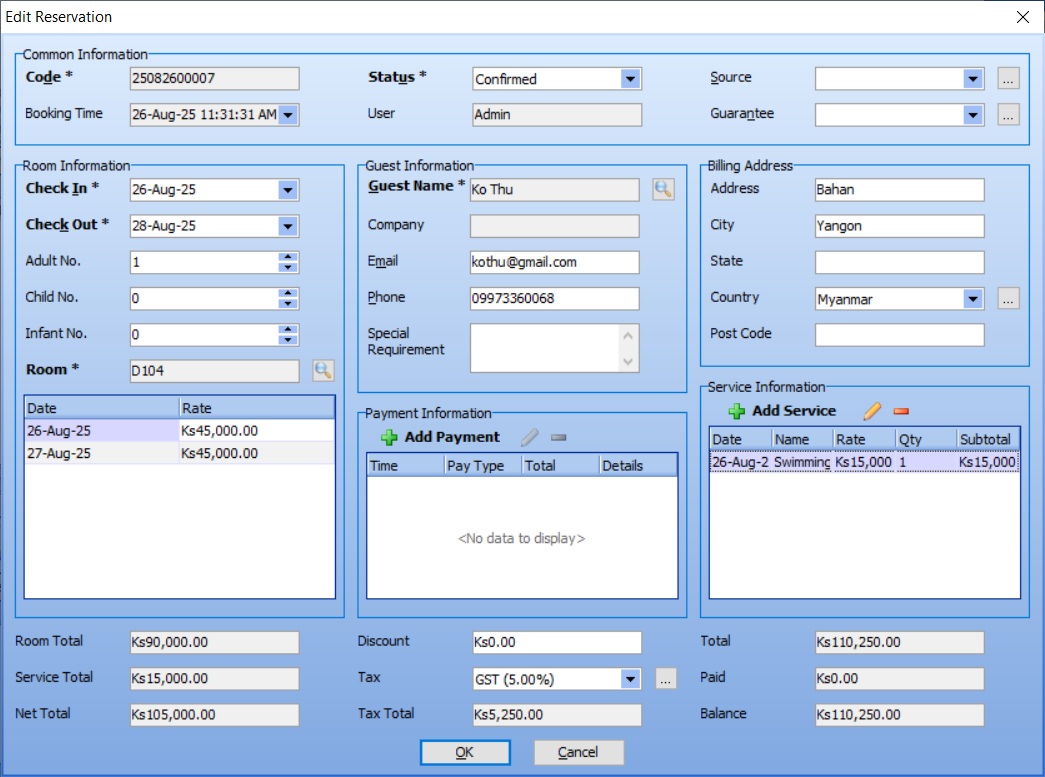
OK, you have successfully sold the service called 'Swimming'!